Which Payment Methods Does pp888 Accept?
pp888 supports four mobile-money services that most people in Bangladesh already have on their phones. There are no bank transfers, no cards, and no crypto — just the wallets you use every day.
| Payment Method | Minimum Deposit | Deposit Arrives | Withdrawal Minimum | Withdrawal Arrives | Fee |
|---|---|---|---|---|---|
| bKash | ৳150 | ~3 minutes | ৳1,100 | ~22 minutes | None |
| Nagad | ৳150 | ~3 minutes | ৳1,100 | ~22 minutes | None |
| Rocket | ৳150 | ~3 minutes | ৳1,100 | ~22 minutes | None |
| Upay | ৳150 | ~3 minutes | ৳1,100 | ~22 minutes | None |
pp888 charges no deposit or withdrawal fees. Your mobile-money provider may apply its own transfer charges depending on your account type — check with them directly.
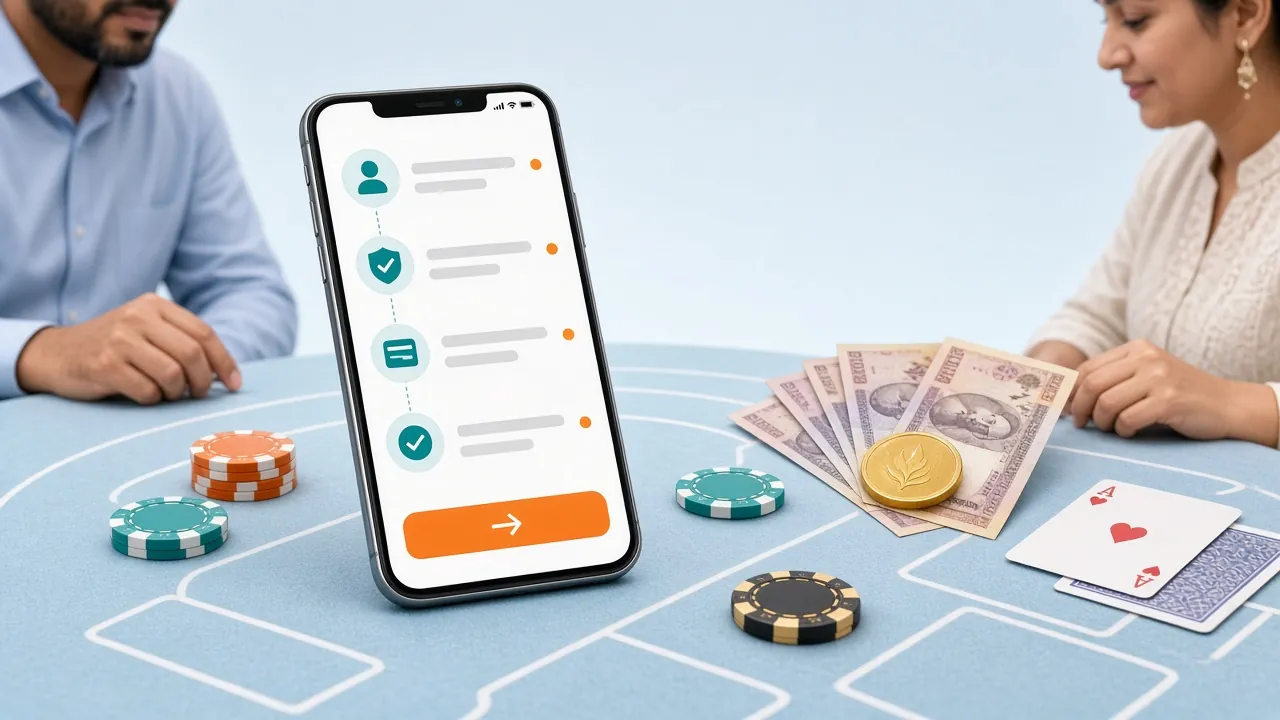
What to Check Before You Send Money
A few quick checks will prevent most deposit failures before they happen.
- Your account must be verified. Register at pp888 and confirm your mobile number. You cannot deposit into an unverified account.
- Use the wallet number shown in the cashier. pp888 agent numbers rotate for security. Always copy the number from the cashier screen on that session — do not reuse a number from last time.
- Send at least ৳150. Transactions below the minimum are rejected automatically and the money is returned to your wallet (usually within a few hours).
- Keep your wallet balance above your intended deposit amount so the transfer does not fail mid-way due to insufficient funds.
- Do not close the cashier page until you have entered the transaction ID and the system confirms receipt.
The General pp888 Deposit Flow
Every payment method follows the same five-step pattern. The method-specific screens are covered individually below.
-
1
Open Cashier
Log in to pp888, tap your balance, then choose "Deposit" to open the cashier panel.
-
2
Pick a Method
Select bKash, Nagad, Rocket or Upay. Enter the amount — minimum ৳150.
-
3
Get Agent Number
pp888 shows an agent wallet number. Copy it. This number is session-specific — always use the one shown right now.
-
4
Send Payment
Open your wallet app, do a "Send Money" or "Payment" to the agent number for the exact amount.
-
5
Submit TrxID
Copy the transaction ID from your wallet SMS. Paste it into the pp888 cashier form and confirm.
Once you submit the transaction ID, your pp888 balance updates within roughly 3 minutes during normal hours. During high-traffic periods like BPL or IPL match days, allow up to 10 minutes.
Sending a Deposit via bKash
bKash is the most popular method among pp888 players in Bangladesh. Here is the exact path in the bKash app.
- Open the bKash app and tap Send Money.
- Enter the agent number copied from the pp888 cashier. Double-check every digit.
- Type the deposit amount (minimum ৳150). Do not add any reference text unless the cashier instructs it.
- Enter your bKash PIN and tap Confirm.
- bKash will send you an SMS with a Transaction ID (starts with something like "8C" or "TXN"). Copy the full ID.
- Return to the pp888 cashier tab, paste the Transaction ID, and tap Submit.
Tip: Use bKash "Send Money," not "Payment." The "Payment" flow is for merchants and may route to a different number type, causing a mismatch.
Sending a Deposit via Nagad
Nagad is operated by Bangladesh Post Office and tends to have faster processing for new accounts.
- Open the Nagad app and tap Send Money.
- Enter the agent number shown in the pp888 cashier.
- Enter the exact deposit amount. Nagad sometimes shows a small service charge preview — the pp888 side only credits the principal amount you entered.
- Confirm with your Nagad PIN.
- Note the Transaction ID from the confirmation screen or SMS.
- Go back to pp888, paste the ID, and submit.
Watch out: If you have a Nagad personal account with a daily send limit, make sure your intended deposit does not exceed that limit. Partial sends will not credit correctly.
Sending a Deposit via Rocket
Rocket is DBBL's mobile banking service. The app interface differs slightly from bKash/Nagad.
- Open the Rocket app and select Send Money.
- Enter the pp888 agent number. Rocket numbers are 11 digits starting with 018.
- Type your deposit amount (minimum ৳150).
- Review the summary screen, then enter your Rocket PIN to approve.
- Record the Transaction ID from the SMS or in-app confirmation.
- Submit the Transaction ID in the pp888 cashier.
Sending a Deposit via Upay
Upay is UCB's digital wallet — a newer option but fully supported at pp888.
- Open the Upay app and go to Send Money.
- Enter the agent number from the pp888 cashier.
- Enter the amount and confirm with your Upay PIN.
- Copy the Transaction Reference from the success screen.
- Paste it into the pp888 deposit form and confirm. Balance updates within 3 minutes.
Does Your Deposit Unlock a Bonus?
Your first-ever pp888 deposit qualifies for a 210% welcome bonus, capped at ৳6,500. If you deposit ৳500, you receive ৳1,050 in bonus funds — total playing balance of ৳1,550 from that single top-up.
Reload deposits after the first earn a 14% reload bonus. Daily cashback of 0.9% is credited automatically every morning regardless of whether you won or lost the previous day. See the full pp888 Bonus & VIP page for all conditions.
Why Did My Deposit Not Arrive?
Most deposit issues fall into one of four categories. Check the table below before contacting support.
| Problem | Most Likely Cause | What to Do |
|---|---|---|
| Balance shows ৳0 after payment | Transaction ID not submitted, or wrong ID entered | Check your wallet SMS for the correct ID, re-submit in the cashier |
| Amount returned to wallet | Deposit was below ৳150, or agent number had expired | Start a new cashier session to get a fresh agent number, then retry |
| Waiting more than 10 minutes | High traffic during a live match; manual review triggered | Open Live Chat with your Transaction ID — support resolves this 24/7 |
| "Transaction ID already used" error | ID was submitted twice (e.g., by refreshing the form) | Contact support with the wallet SMS — they can verify on their end |
| Wrong amount credited | Amount entered in cashier did not match amount sent | Always send the exact amount shown in the cashier; contact support with proof |
24/7 Live Chat: pp888 support is available around the clock. Have your Transaction ID and wallet number ready when you open a chat — it speeds up resolution significantly. Email: [email protected].
Habits That Keep Your Money Safe
- Never share your bKash/Nagad PIN with anyone claiming to be pp888 staff. pp888 never asks for your wallet PIN.
- Always access the cashier from pp888.site directly or from the official pp888 app. Phishing sites copy the cashier UI but route money elsewhere.
- Screenshot your wallet confirmation and keep it for 48 hours after a deposit — handy if support needs proof.
- Set a weekly deposit limit for yourself under the Responsible Gaming settings in your account.
Common Questions About pp888 Deposits
What is the minimum amount I can deposit at pp888?
The minimum deposit is ৳150 for all four payment methods — bKash, Nagad, Rocket and Upay. Any transfer below ৳150 is rejected and returned to your wallet automatically.
How long does a pp888 deposit actually take?
Under normal conditions your balance updates within about 3 minutes of submitting the Transaction ID. On busy match nights — especially BPL or IPL T20 games — allow up to 10 minutes. If it has been longer than 15 minutes, open Live Chat with your Transaction ID ready.
Is there a maximum deposit limit per transaction?
pp888 does not publish a hard maximum on the deposit side. Practical limits come from your mobile-money provider's daily send limits (for example, bKash personal accounts cap daily sends at a certain level). If you need to deposit a large amount, check your wallet limits first or split across two transactions.
Can I deposit from someone else's bKash account?
No. pp888 requires that the wallet number used for deposits matches the name on your pp888 account. Using a third-party wallet can delay your deposit and may flag your account for a KYC review. Always use a wallet registered in your own name.
Does pp888 charge any fees on deposits?
pp888 charges zero fees on all deposits. If your mobile-money app shows a small service charge, that is charged by the wallet provider, not pp888. You will receive the full amount you send in your pp888 balance.
What happens to my deposit if I do not submit the Transaction ID?
Your pp888 balance will not update. The money leaves your wallet but sits in a pending state on pp888's end. You have up to 24 hours to come back and enter the Transaction ID. After that, open a support ticket with your wallet SMS and Transaction ID — the team can trace it manually.
Will my first deposit automatically get the 210% bonus?
Yes, as long as you have a new, freshly registered pp888 account and you deposit at least ৳150. The bonus is added automatically — you do not need a promo code. The cap is ৳6,500 and the wagering requirement is ×13. You have 7 days to meet the wagering before the bonus expires.
Can I deposit using the pp888 mobile app?
Yes. The pp888 app (Android version 3.7.9, free download) has a full cashier built in. The process is identical to the website: open the app, tap your balance, select Deposit, choose your wallet, copy the agent number, send via your wallet app, then paste the Transaction ID back in the pp888 app. See the pp888 App page for the download link.